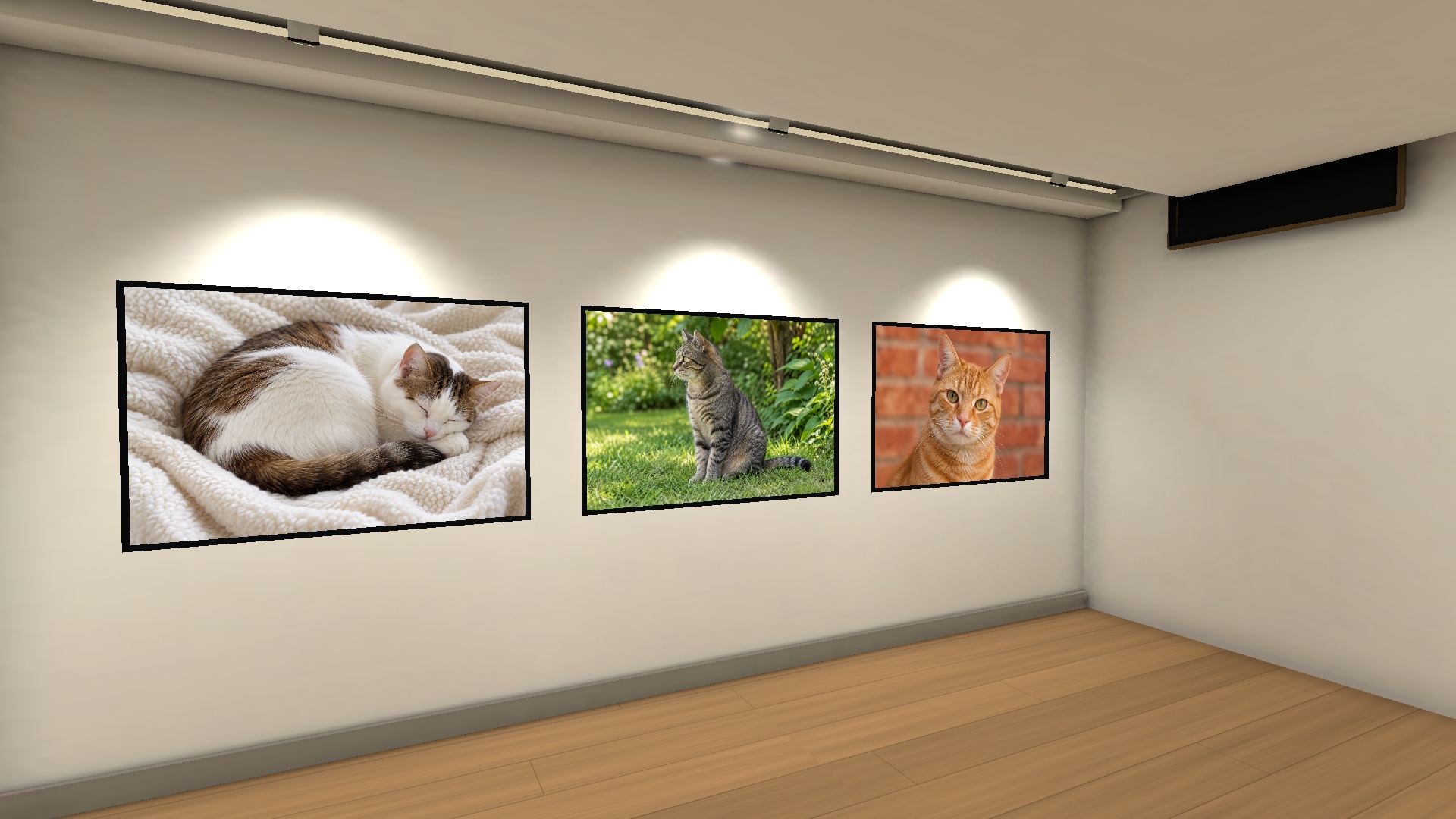
Your collection. Your museum.
Turn your photos, illustrations and videos into a museum you can explore on Meta Quest. You can also use files already on Quest.
For Quest 3 and Quest 3S. Enjoy the first three rooms in Folder Gallery, one museum with one room in Curated Gallery, and up to 20 works in MR for free.
See supported devices and connection instructions for web sharing and the Windows app on the sharing page.
Questions about viewing your photos in VR
How can I view my own photos and images in VR?
With a Quest 3 or Quest 3S, Wall Gallery lets you display your own photos and illustrations on museum walls and walk through the exhibition. Folder Gallery arranges media automatically, while Curated Gallery lets you place works yourself. Mixed reality places artwork in your real room.
Can I view photos from a PC, Android or iPhone on Quest?
Open web sharing in Chrome or Edge on Windows or Mac, Chrome on Android, or Safari on iPhone, select your media and connect to Quest by QR. Use the same home network and keep the sharing page open while viewing. Keep your Android or iPhone screen on. On iPhone, add photos and videos in small batches; files in iCloud may need time to prepare during selection. Folder selection depends on your device and browser. A Windows companion is also available, and files already on Quest can be used directly.
What can I use for free?
Try the first three Folder Gallery rooms, one Curated Gallery museum with one room, and up to 20 works in MR for free. Gallery Plus is a one-time purchase that unlocks Folder Gallery from room 4 and additional Curated Gallery rooms and museums. The MR limit is the same with or without Plus.
Does the scenery pack require Gallery Plus?
No. Garden, space and aquarium scenery is a separate one-time purchase and works within the free room limits. It is not included in Plus and does not add MR interiors. Check the purchase screen or Meta Store for your local price.
Is this for viewing my own artwork?
Yes. It is for enjoying your own photos, illustrations and supported videos in your personal exhibition space. Media is not stored in a developer cloud. See the sharing guide for supported devices and connection requirements.
English app overview